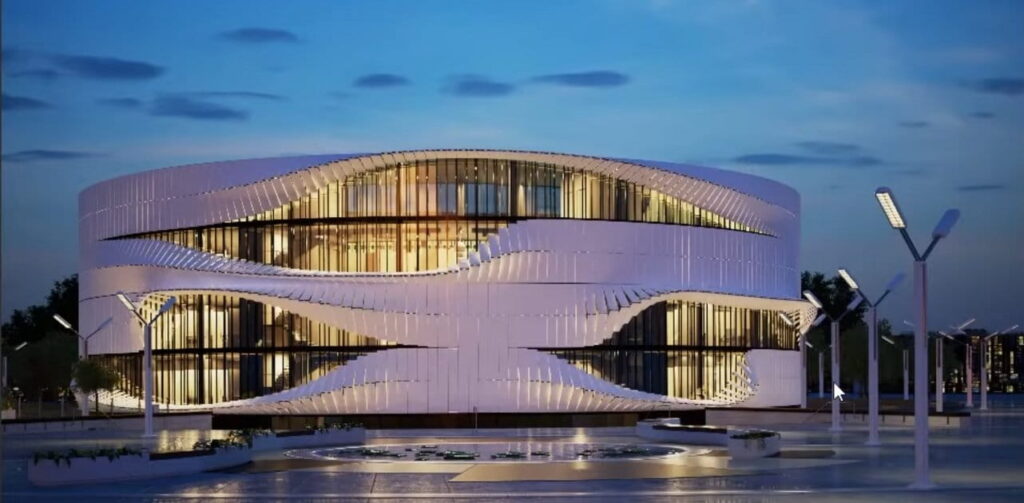
Realistic exterior night lighting with V-Ray for 3ds Max


In this tutorial, we’re going to explain how to use the Tint By Boundary feature to colourise grass where it meets an edge. This is…
How to get started with Chaos Phoenix Source Setup & installation Follow our step-by-step guides to get up and running with Phoenix quickly and easily…
Realistic interior night lighting with V-Ray for 3ds Max Source: Chaos Learn how to illuminate an interior night scene using V-Ray for 3ds Max. We’ll…

The Cross-Computer & Local Copy-Paste script for 3ds Max, designed to streamline your workflow and enhance productivity. This script allows you to easily copy and…
Working with camera settings and lens effects in V-Ray for 3ds Max New to V-Ray for 3ds Max? You’re in the perfect place! Our beginner-friendly…
Please confirm you want to block this member.
You will no longer be able to:
Please allow a few minutes for this process to complete.
Responses